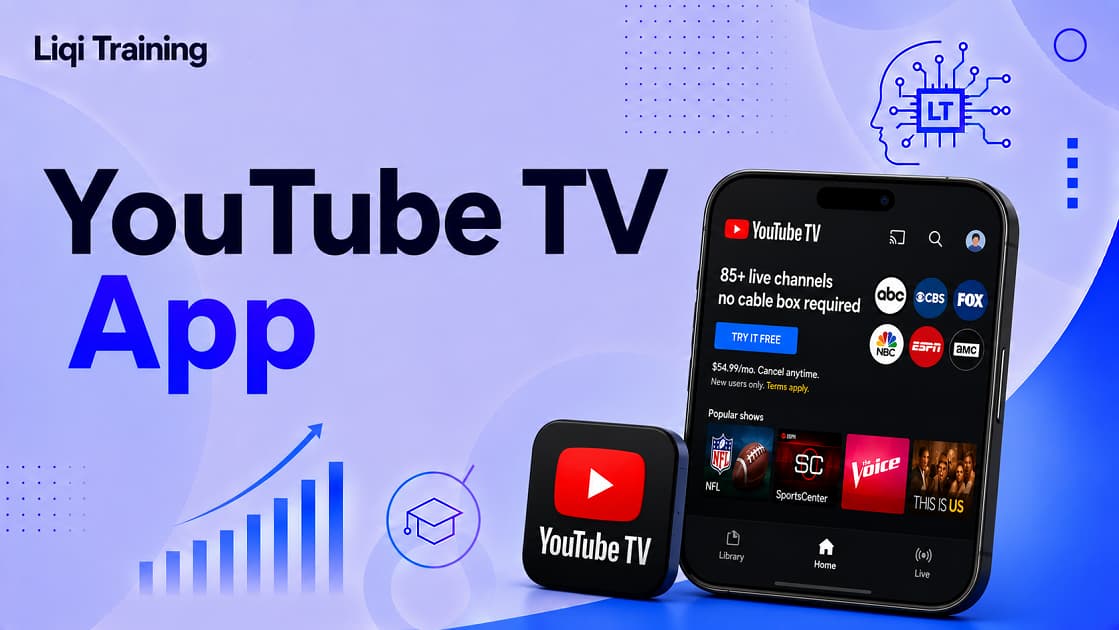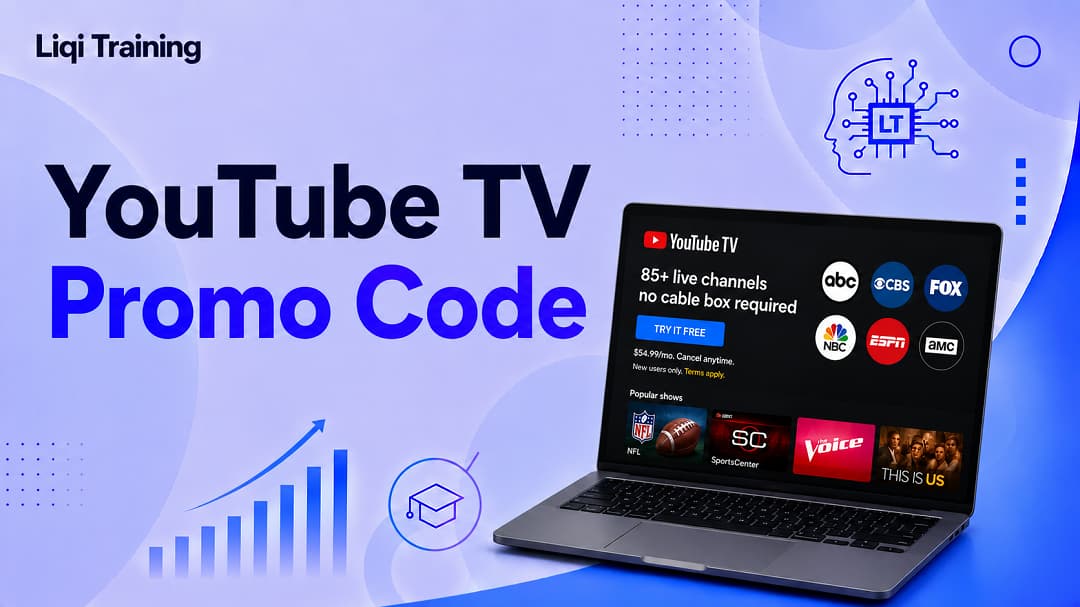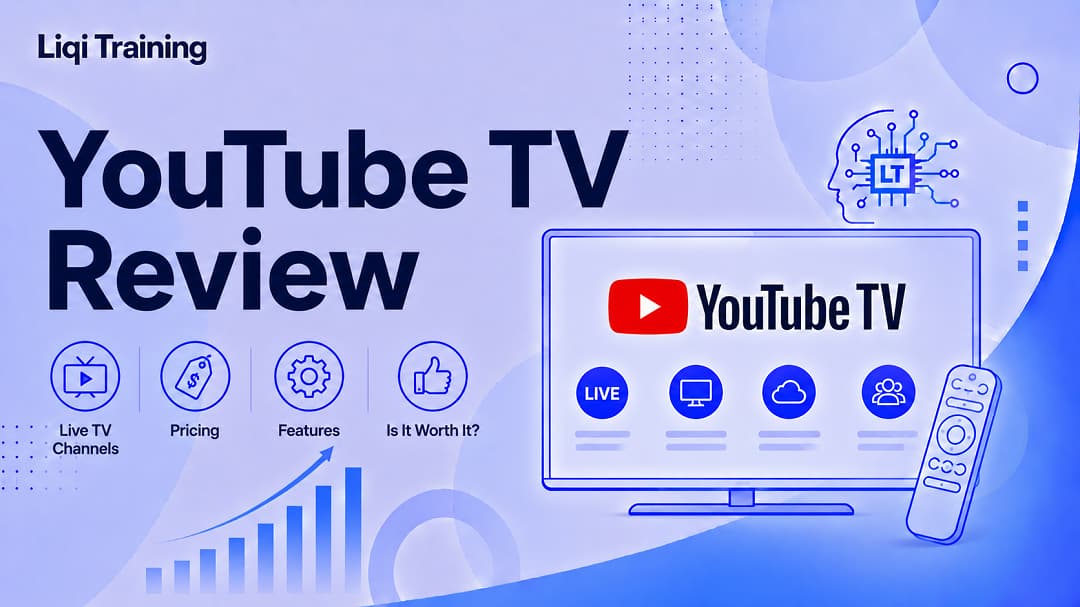
YouTube TV is a live television streaming service available in the United States that replaces traditional cable or satellite TV with internet-based streaming. In 2026, YouTube introduced multiple genre-based subscription plans alongside its flagship Base Plan, giving subscribers more pricing flexibility.
Every plan includes features such as unlimited cloud DVR, multiple user profiles, and support for simultaneous streaming. Local channel availability depends on a subscriber’s home area. YouTube TV remains one of the strongest cable alternatives for households that watch live sports, news, and broadcast television.
What Is YouTube TV?
While standard YouTube focuses on user-generated videos, YouTube TV is Google’s subscription-based live television streaming service.
Instead of uploading or watching creator videos, subscribers receive access to live television channels, local broadcast stations, sports networks, entertainment channels, and on-demand programming through a single app.
The service is designed for people who want the flexibility of streaming without committing to long-term cable contracts or installing traditional television equipment.
Unlike conventional cable providers, YouTube TV works entirely over an internet connection.
Subscribers can begin watching almost immediately after creating an account, with no technician visits or hardware installation required.
Who Is YouTube TV Best For?
Not every household watches television in the same way.
Understanding who benefits most from YouTube TV helps determine whether the service justifies its monthly cost.
Cord Cutters
Many subscribers join YouTube TV after canceling traditional cable or satellite television.
For these users, YouTube TV provides access to familiar live channels while eliminating equipment rentals and long-term contracts.
Sports Fans
Sports remain one of YouTube TV’s biggest strengths.
Depending on the selected plan and regional availability, subscribers can access major broadcast networks alongside national sports channels covering football, basketball, baseball, hockey, golf, tennis, motorsports, and international competitions.
The introduction of dedicated Sports plans in 2026 gives viewers another option if sports are their primary interest.
Families
Families often appreciate features such as:
- Multiple user profiles
- Personalized recommendations
- Unlimited cloud DVR
- Children’s programming
- Simultaneous streaming
These tools allow different household members to maintain separate viewing histories and recommendations.
News Viewers
People who follow breaking news throughout the day can access major national and local news channels without maintaining a traditional cable subscription.
Several of the newer genre-based plans are designed specifically for viewers who prioritize news programming.
Read also: YouTube: Everything You Need to Know About the World’s Biggest Video Platform
YouTube TV Pricing (2026)
One of the biggest developments in 2026 is YouTube TV’s move away from offering only a single subscription option.
Instead, subscribers can now choose from several plans based on their viewing interests. These include sports-focused, entertainment-focused, and combination packages in addition to the comprehensive Base Plan.
The flagship Base Plan continues to include more than 100 live channels and remains the most comprehensive option. As of 2026, it is priced at $82.99 per month, though promotional discounts for new subscribers are sometimes available.
Additional genre-based plans generally start around $54.99 per month, with pricing increasing depending on the combination of sports, news, entertainment, and family content selected.
Because promotional pricing and available plans may change over time, prospective subscribers should always verify the latest offers before signing up.
What Channels Does YouTube TV Offer?
Channel availability depends on both your subscription plan and geographic location.
The Base Plan includes more than 100 live channels across several categories.
Local Broadcast Networks
In most supported U.S. markets, subscribers receive local broadcast affiliates such as:
- ABC
- CBS
- FOX
- NBC
Availability varies depending on licensing agreements and local market coverage.
Sports Networks
Sports coverage is one of YouTube TV’s strongest selling points.
Popular sports channels may include:
- ESPN
- ESPN2
- FS1
- NFL Network
- NBA TV
- MLB Network
- Big Ten Network
- Golf Channel
The exact lineup depends on the selected plan and regional rights.
Entertainment Channels
Entertainment programming includes a wide selection of lifestyle, movie, and general entertainment networks.
Examples include:
- FX
- Bravo
- HGTV
- Food Network
- Comedy Central
- Paramount Network
- Hallmark Channel
Some entertainment-focused plans emphasize these networks while excluding categories such as sports to reduce subscription costs.
News Channels
Subscribers can also access major national news networks depending on their chosen package.
Examples include:
- CNN
- MSNBC
- CNBC
- Fox News
- Bloomberg Television
Certain genre plans bundle news programming with sports or entertainment at lower prices than the Base Plan.
Supported Devices
A major advantage of YouTube TV is its broad compatibility.
Subscribers can stream content on:
- Smart TVs
- Android devices
- iPhones and iPads
- Windows PCs
- Mac computers
- Streaming devices
- Gaming consoles
- Supported web browsers
Because everything streams over the internet, viewers can switch between devices while maintaining access to recordings and personalized recommendations.
First Impressions
After using YouTube TV, one of the platform’s biggest strengths becomes immediately apparent: simplicity.
The interface is clean, modern, and easy to navigate, particularly for users already familiar with the standard YouTube app. Live television, recorded programs, and on-demand content are integrated into a single experience, reducing the learning curve for new subscribers.
However, pricing has become a more significant consideration in recent years. While the introduction of genre-based plans offers greater flexibility, households should compare the available options carefully to ensure they are paying only for the channels they actually watch.
YouTube TV Features
The channel lineup is only one part of what makes YouTube TV competitive. Its feature set is designed to make live television more flexible than traditional cable by giving subscribers greater control over how, when, and where they watch.
Below are the features that have the biggest impact on the overall experience.
Unlimited Cloud DVR
One of YouTube TV’s standout benefits is its Unlimited Cloud DVR.
Unlike many cable providers that limit recording capacity or charge extra for additional storage, YouTube TV allows subscribers to save as many eligible programs as they want to their cloud DVR library.
How It Works
Instead of manually scheduling every episode, users simply add a show, sports team, movie, or event to their library. YouTube TV then automatically records eligible future broadcasts, making them available to watch later.
This feature is especially useful for viewers who:
- Watch multiple sporting events each week
- Follow several television series
- Frequently miss live broadcasts
- Prefer binge-watching entire seasons
Because recordings are stored online, there’s no need for a physical DVR box or external hard drive.
Why This is Important
For many households, unlimited cloud DVR is one of YouTube TV’s biggest advantages over both cable providers and some competing live TV streaming services.
Multi-View
Multiview lets subscribers watch multiple live channels simultaneously on a single screen.
This feature is particularly valuable during major sporting events when several games are taking place at the same time.
Depending on the content available, viewers can monitor multiple live broadcasts without constantly switching channels.
Best Uses
Multiview works well for:
- College football Saturdays
- NBA game nights
- March basketball tournaments
- Golf tournaments
- Tennis competitions
- News coverage during major events
As YouTube TV continues to expand Multiview support, it has become one of the platform’s defining features for sports enthusiasts.
Simultaneous Streaming
Modern households rarely watch television on just one screen.
YouTube TV allows multiple supported devices to stream content at the same time, making it practical for families with different viewing preferences.
For example:
- One family member can watch live sports.
- Another can stream children’s programming.
- Someone else can watch a recorded show.
- A fourth person can browse on-demand content.
Because each profile maintains separate recommendations and watch history, viewers receive a more personalized experience.
Family Sharing
Households can create separate user profiles for different family members.
Each profile maintains its own:
- Watch history
- Library
- Recommendations
- Recorded programs
- Personalized home screen
This separation prevents one person’s viewing habits from affecting another person’s recommendations.
Parents can also manage children’s viewing more effectively through dedicated family settings.
Picture Quality
Video quality depends on several factors, including:
- Internet speed
- Device capabilities
- Channel availability
- Subscription options
Many channels stream in high definition, while selected content supports higher resolutions where available.
Subscribers interested in enhanced picture quality should verify which channels and events support advanced video formats before subscribing.
User Interface
One reason many subscribers adapt quickly to YouTube TV is its familiar interface.
The navigation emphasizes simplicity without hiding important features.
The main sections include:
Home
The Home tab recommends programs based on viewing habits while highlighting live events and recently watched content.
Live
The Live tab functions much like a traditional television guide, displaying current programming across available channels.
Users can browse upcoming broadcasts or jump directly into live programming.
Library
The Library contains:
- Recorded shows
- Saved movies
- Sports teams
- Scheduled recordings
- Recently added content
Because recordings are cloud-based, subscribers can access their library across compatible devices.
Add-On Packages
Some subscribers prefer expanding their channel lineup beyond the Base Plan.
Depending on availability, optional add-ons may include:
- Premium movie networks
- Additional sports coverage
- Spanish-language programming
- Entertainment bundles
- Specialty content
These add-ons allow households to customize their subscriptions without paying for channels they do not need.
Performance and Reliability
Overall streaming quality depends largely on the user’s internet connection.
Under stable broadband conditions, YouTube TV generally provides:
- Fast channel switching
- Reliable playback
- Smooth live streaming
- Consistent navigation
- Quick cloud DVR access
Buffering and reduced picture quality are more likely to result from local network issues than from the service itself.
For the best experience, Google recommends broadband internet capable of supporting high-definition streaming.
YouTube TV vs Traditional Cable
One of the biggest questions prospective subscribers ask is whether YouTube TV can realistically replace cable television.
The answer depends on viewing habits.
Advantages Over Cable
YouTube TV offers several conveniences that traditional cable often lacks.
No Long-Term Contracts
Subscribers generally pay month-to-month without lengthy service agreements.
This flexibility makes it easier to cancel or resume service when needed.
No Equipment Rental
Because YouTube TV streams over the internet, there is usually no need for:
- Cable boxes
- Satellite dishes
- Professional installation
- DVR hardware
This can simplify setup while reducing equipment-related costs.
Watch Anywhere
Subscribers can watch compatible content from virtually anywhere within supported regions using eligible devices and an internet connection.
Cable providers often restrict this level of flexibility.
Where Cable Still Has Advantages
Traditional cable may still appeal to certain households.
Examples include:
Areas With Limited Internet Access
Streaming depends on reliable broadband.
Homes with slow or unstable internet connections may experience interruptions that do not affect traditional cable service.
Specialized Regional Channels
Some regional or niche channels may not be available through YouTube TV because of licensing agreements.
Viewers should review local channel availability before switching providers.
Pros and Cons
Every streaming service involves trade-offs.
Pros
- Excellent channel selection on the Base Plan.
- Unlimited cloud DVR included.
- Modern and intuitive interface.
- Strong sports coverage.
- Flexible month-to-month subscriptions.
- Multiple user profiles.
- Broad device compatibility.
- Reliable streaming performance on stable internet connections.
Cons
- Available only in supported regions.
- Monthly pricing may be higher than some budget streaming services.
- Certain regional channels may be unavailable.
- Premium add-ons increase overall subscription costs.
- A dependable internet connection is essential.
Is YouTube TV Easy to Use?
For most users, the answer is yes.
People already familiar with the standard YouTube app will recognize many design elements, making navigation straightforward.
Even first-time subscribers typically find it easy to:
- Browse live television
- Record programs
- Search for channels
- Resume recently watched content
- Manage their library
- Switch between user profiles
This ease of use is one reason YouTube TV consistently ranks among the most user-friendly live television streaming services.
YouTube TV vs Other Live TV Streaming Services
Choosing a live TV streaming service isn’t just about the number of channels. Pricing, features, device compatibility, sports coverage, and cloud DVR all play a role in determining which platform offers the best value.
Here’s how YouTube TV compares with some of its biggest competitors.
YouTube TV vs Hulu + Live TV
Both services are designed to replace traditional cable, but they cater to slightly different audiences.
Choose YouTube TV If You:
- Watch a lot of live sports.
- Want an intuitive interface.
- Value Unlimited Cloud DVR.
- Prefer an easy-to-navigate live TV guide.
- Need multiple user profiles for your household.
Choose Hulu + Live TV If You:
- Already subscribe to Hulu.
- Want access to Hulu’s on-demand library.
- Watch Disney+ and ESPN+ regularly through bundled plans.
- Prefer having live television and on-demand streaming in one subscription.
Verdict: If live television is your primary focus, YouTube TV often provides a cleaner viewing experience. If you consume a mix of live TV and on-demand entertainment, Hulu + Live TV may offer better overall value.
YouTube TV vs Fubo
Fubo has built a strong reputation among sports enthusiasts.
YouTube TV Strengths
- Broader entertainment selection.
- Excellent user interface.
- Unlimited Cloud DVR.
- Reliable cross-device experience.
- Strong local channel coverage in supported markets.
Fubo Strengths
- Extensive sports programming.
- International sports coverage.
- Specialized sports channels.
Verdict: General households may prefer YouTube TV, while viewers who primarily watch sports, especially international competitions, may find Fubo more appealing.
YouTube TV vs Sling TV
Sling TV is known for its affordability.
YouTube TV Advantages
- Larger channel lineup.
- More local broadcast stations.
- Unlimited Cloud DVR.
- Better overall feature set.
- More polished interface.
Sling TV Advantages
- Lower monthly pricing.
- Flexible channel packages.
- Suitable for budget-conscious viewers.
Verdict: Sling TV is attractive for viewers focused on minimizing costs, while YouTube TV provides a more complete cable replacement experience.
Who Should Subscribe to YouTube TV?
YouTube TV isn’t designed for everyone, but it excels in several situations.
A Great Choice For
- Families replacing cable television.
- Sports fans who watch live games regularly.
- Viewers who frequently record programs.
- Households with multiple active viewers.
- Users who prefer streaming across several devices.
- People looking for a modern alternative to cable.
It May Not Be the Best Fit If
You may want to consider other options if you:
- Rarely watch live television.
- Primarily stream movies and TV series from on-demand services.
- Have a limited internet connection.
- Need the lowest possible monthly subscription cost.
- Require regional channels that are unavailable through YouTube TV.
Evaluating your viewing habits before subscribing can help ensure you’re paying for features you’ll actually use.
Frequently Asked Questions
Is YouTube TV available worldwide?
No. YouTube TV is currently available only in the United States. Availability may expand in the future, but users outside supported regions should consult YouTube’s official website for the latest availability information.
Does YouTube TV require a cable box?
No.
Everything streams through the internet, so subscribers do not need a traditional cable box or satellite receiver.
Can I cancel YouTube TV at any time?
Yes.
YouTube TV is generally offered as a month-to-month subscription, allowing users to cancel without entering long-term service contracts.
Does YouTube TV include local channels?
Yes, in many supported markets.
Available local stations vary depending on your ZIP code and licensing agreements.
Can I watch sports live?
Yes.
One of YouTube TV’s biggest strengths is live sports coverage through national sports networks and local broadcast affiliates where available.
Channel availability varies by location and subscription.
Does YouTube TV include advertisements?
Yes.
Because YouTube TV streams live television channels, viewers will generally see the same commercial breaks broadcast on traditional television.
Some on-demand programming may also contain advertisements, depending on licensing agreements and subscription options.
Is YouTube TV worth the price?
For households that regularly watch:
- Live sports
- Breaking news
- Local television
- Entertainment channels
- Broadcast programming
the answer is often yes.
However, viewers who primarily watch on-demand streaming services may find a lower-cost alternative better suited to their needs.
Conclusion
YouTube TV continues to rank among the leading live television streaming services in 2026, offering a compelling alternative to traditional cable. Its extensive channel lineup, Unlimited Cloud DVR, user-friendly interface, and broad device compatibility make it an excellent choice for many households.
The platform performs particularly well for sports fans, families, and viewers who want access to live television without the commitments associated with cable subscriptions.
That said, no streaming service is perfect. The monthly subscription price may be higher than some competitors, and the overall value depends on whether you’ll regularly use the included channels and features.
Before subscribing, consider:
- The channels you watch most often.
- Whether your local stations are available.
- Your internet connection quality.
- Your monthly entertainment budget.
- Whether optional add-ons are necessary.
For many households, YouTube TV successfully delivers the convenience of modern streaming while preserving the familiar experience of live television.
Overall Rating: 4.7/5
YouTube TV remains one of the best live TV streaming services available for viewers seeking a cable replacement with robust features, excellent usability, and comprehensive live programming. Its combination of Unlimited Cloud DVR, reliable streaming, and broad channel selection makes it a strong contender for most U.S. households that regularly watch live television.
ADVERTISEMENT