

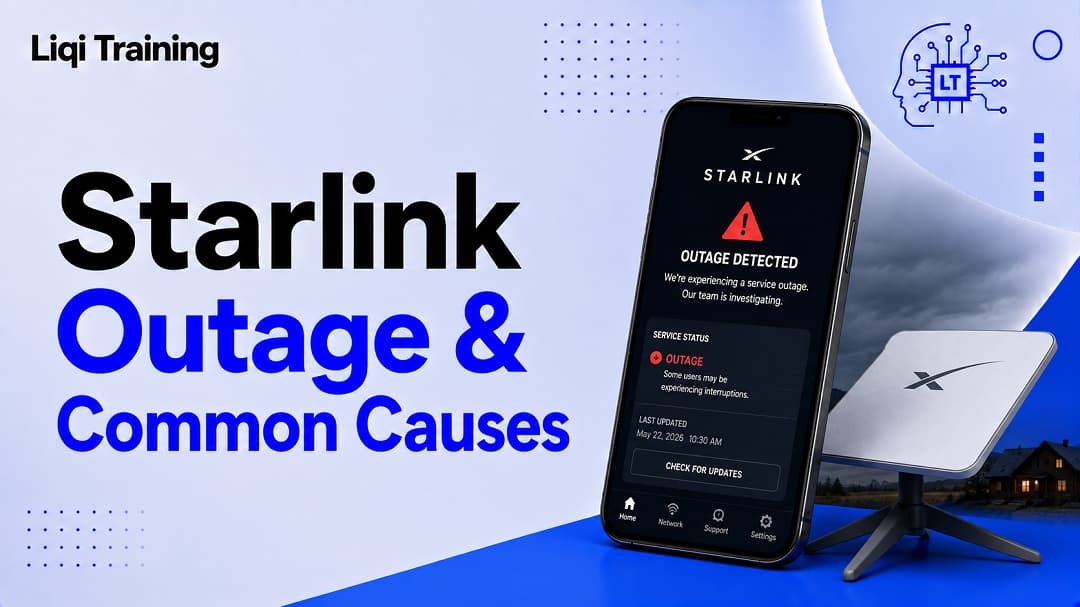
Most Starlink outage and connection problems are caused by local issues rather than global outages. You can check Starlink’s official status page before troubleshooting your equipment. The Starlink app includes built-in diagnostics, obstruction detection, network statistics, and support tools. Severe weather, obstructions, damaged cables, or power interruptions are among the most common causes of service disruptions. Reporting detailed diagnostic information helps Starlink Support resolve issues more efficiently.
Losing your internet connection is frustrating, especially when you rely on Starlink for remote work, online classes, streaming, gaming, or business operations. The good news is that not every interruption means the entire Starlink network is offline. In many cases, the issue is limited to your equipment, installation, Wi-Fi network, or local weather rather than a widespread service outage.
Starlink has built one of the world’s largest low Earth orbit (LEO) satellite networks, serving millions of customers across more than 140 countries. While the network is generally reliable, temporary outages can still occur because of scheduled maintenance, software updates, severe weather, hardware failures, or rare network-wide incidents. One notable example was the global outage on July 24, 2025, which SpaceX later attributed to a failure of key internal software services. The disruption lasted about 2.5 hours before service was restored.
This guide explains how to determine whether your connection problem is caused by a Starlink outage, where to check live network status, the most effective troubleshooting steps, and how to contact Starlink Support when you need additional assistance.
How to Tell if Starlink Is Down
The first question most users ask is simple:
Is the problem affecting only me, or is Starlink experiencing a wider outage?
Rather than immediately restarting your equipment, begin by checking whether other users are reporting similar issues.
The quickest way is to visit Starlink’s official status page, which lists current and recent incidents. If no incident appears there, your problem is more likely to be related to your local setup.
Community outage trackers such as Downdetector can also provide an early indication of widespread service interruptions based on user reports, although these should be viewed as supplemental rather than official sources.
Common Reasons for a Starlink Outage
Not every interruption has the same cause. Understanding the source of the problem can help you choose the correct solution.
Network-Wide Service Interruptions
Although uncommon, Starlink has experienced occasional large-scale outages affecting customers across multiple countries.
These incidents may result from:
- Core network software failures
- Major infrastructure upgrades
- Routing problems
- Satellite network issues
Such events are typically acknowledged on official Starlink channels once confirmed.
Severe Weather
Because Starlink communicates directly with satellites, heavy rain, snow, hail, or intense thunderstorms can temporarily weaken the signal between your dish and the satellite overhead.
Light rain usually has little effect, but severe weather can reduce performance until conditions improve.
Obstructions
One of the most common causes of intermittent outages is an obstructed view of the sky.
Nearby trees, chimneys, buildings, or growing vegetation may block satellite visibility.
The Starlink app includes an obstruction scanner that helps identify these issues before they significantly affect performance.
Power Problems
Your Starlink system depends on continuous power.
Interruptions caused by:
- Power outages
- Loose electrical connections
- Faulty surge protectors
- Damaged power supplies
can all disconnect your internet service.
Hardware Failures
Occasionally, the problem lies with the equipment itself.
Potential hardware issues include damaged Ethernet cables, defective routers, malfunctioning power supplies, or problems with the Starlink terminal.
How to Check Starlink’s Live Status
Before spending time troubleshooting, verify whether the network is currently experiencing problems.
Useful resources include:
- Starlink’s official status page for confirmed incidents.
- The Starlink mobile app for service alerts and connection diagnostics.
- Community reporting platforms that collect user outage reports in real time.
If these resources show no widespread outage, continue with local troubleshooting.
Step-by-Step Troubleshooting
A systematic approach often resolves most connectivity problems.
Confirm Power
Check that:
- The router has power.
- Indicator lights are functioning normally.
- All cables are securely connected.
Loose connections are surprisingly common after moving equipment or during severe weather.
Inspect the Dish
Look for obvious problems such as:
- Fallen branches
- Snow accumulation
- Physical damage
- Misaligned mounting hardware
Even partial obstructions can interrupt communication with passing satellites.
Restart the System
Restarting the router and Starlink terminal allows the system to establish a fresh satellite connection.
Wait several minutes after restarting before testing the connection again.
Check for Obstructions
Open the Starlink app and run the obstruction check.
If the app reports frequent blockages, relocating the dish to a clearer position may significantly improve reliability.
Review Network Statistics
The Starlink app provides useful information including:
- Connection quality
- Recent interruptions
- Obstruction history
- Device connectivity
- Performance statistics
These diagnostics help determine whether the issue is local or network-related.
When Weather Is the Cause
Satellite internet behaves differently from fiber or cable services.
During intense storms you may notice:
- Slower download speeds
- Higher latency
- Brief disconnections
These interruptions are usually temporary and resolve once weather conditions improve.
How to Report a Starlink Problem
If troubleshooting does not restore service, the next step is contacting Starlink Support.
The easiest method is through the Starlink app, which allows users to:
- Access troubleshooting guides
- Submit support requests
- Share diagnostic information
- Receive updates on reported issues
When submitting a report, include:
- A description of the problem
- When the outage began
- Photos of damaged equipment (if applicable)
- Any troubleshooting steps already completed
Providing this information helps reduce response times.
Preventing Future Outages
While you cannot prevent every interruption, good installation and maintenance practices improve reliability.
Install the dish where it has a permanent, unobstructed view of the sky.
Inspect cables periodically for wear or damage.
Keep the Starlink app updated so you receive the latest software improvements and support features.
If you live in an area with frequent power failures, consider using an uninterruptible power supply (UPS) to keep the router and dish operating during short outages.
Is It a Wi-Fi Problem Instead?
Sometimes the satellite connection is working perfectly while the issue lies inside your home.
Signs of a Wi-Fi problem include:
- Devices disconnecting from the router
- Weak signal in certain rooms
- Internet working near the router but not farther away
In these situations, repositioning the router or adding a compatible mesh Wi-Fi system may solve the issue without affecting the Starlink connection itself.
Understanding Planned Maintenance
Not every service interruption is unexpected.
Starlink occasionally performs network maintenance and software updates to improve stability and expand network capacity.
Most maintenance windows are brief, and many updates occur automatically with minimal user intervention.
Frequently Asked Questions
How often does Starlink experience outages?
Large-scale outages are relatively uncommon. Most reported connection problems are related to local equipment, weather, or installation issues rather than failures across the entire network.
Where can I check if Starlink is down?
The official Starlink Status page is the best place to check for confirmed incidents. Community services such as Downdetector can also indicate whether many users are reporting problems.
Does restarting Starlink fix most problems?
Restarting the router and dish often resolves temporary software or connection issues, but it will not restore service during a confirmed network-wide outage.
Can weather cause Starlink to disconnect?
Yes. Heavy rain, snow, and severe storms may temporarily reduce signal quality or interrupt service.
How do I contact Starlink Support?
Support requests are submitted through the Starlink app, which also provides troubleshooting tools, diagnostics, and access to your account.
If you’re building a complete understanding of SpaceX’s satellite internet, these guides are worth reading next:
- What Is Starlink? How SpaceX’s Satellite Internet Works and Who Should Use It
- Starlink Internet Explained: Speeds, Coverage, Setup, Pricing, and Pros & Cons
- Starlink Cost: Equipment Prices, Monthly Plans, Hidden Fees, and Value Explained
- Starlink Mini Review: Features, Speed, Battery Options, Pricing, and Is It Worth Buying?
- Starlink Tracker Guide: How to See Starlink Satellites Passing Over Your Location
Conclusion
A Starlink outage does not always mean the satellite network itself has failed. In most cases, connection problems can be traced to local factors such as power interruptions, weather, obstructions, damaged equipment, or Wi-Fi configuration. By checking the official Starlink Status page first, reviewing diagnostics in the Starlink app, and following a structured troubleshooting process, many issues can be resolved without contacting support.
When genuine network-wide outages occur, they are typically identified quickly through official status updates and widespread user reports. Although these incidents are rare, they highlight the importance of monitoring service status before making changes to your equipment. With proper installation, regular maintenance, and familiarity with Starlink’s diagnostic tools, you can minimize downtime and restore your connection as efficiently as possible.
ADVERTISEMENT