High-speed internet has traditionally depended on fiber-optic cables, DSL lines, or cellular networks. While these technologies provide excellent service in many urban areas, they often leave rural communities, remote businesses, and travelers with limited options. Starlink Internet offers a different approach by delivering broadband connectivity through a growing constellation of low Earth orbit (LEO) satellites.
Since its launch by SpaceX, Starlink has expanded into dozens of countries and supports millions of users worldwide. The service has become popular among homeowners in rural regions, RV travelers, businesses operating in remote locations, emergency responders, and maritime customers seeking reliable internet beyond the reach of traditional infrastructure.
This guide explores Starlink Internet from a practical perspective. You’ll learn how fast it is, where it’s available, what equipment you need, how installation works, how much it costs, and the advantages and limitations to consider before subscribing.
Quick Summary
| Feature | Overview |
|---|---|
| Technology | Low Earth orbit satellite internet |
| Provider | SpaceX |
| Installation | Self-installation for most residential users |
| Best For | Rural homes, travelers, businesses, remote work |
| Typical Uses | Streaming, gaming, video calls, online learning, remote offices |
| Hardware | Starlink dish, Wi-Fi router, cables, power supply |
| Coverage | Available across many countries with ongoing expansion |
Understanding Starlink Internet
Unlike conventional internet providers that rely on physical cables running to your property, Starlink creates a wireless connection between your home and satellites orbiting hundreds of kilometers above Earth.
Thousands of satellites work together to provide continuous coverage. Your Starlink dish automatically connects to whichever satellites are best positioned overhead, creating a broadband connection without requiring nearby telephone lines or fiber infrastructure.
This design makes Starlink especially valuable in locations where installing traditional broadband would be costly or impractical.
For a broader overview of the technology behind the service, read our guide on What Is Starlink? How SpaceX’s Satellite Internet Works and Who Should Use It.
How Starlink Delivers Internet
A Network Built in Space
Instead of routing internet traffic through neighborhood cable infrastructure, Starlink follows a different path:
- Your device connects to the Starlink Wi-Fi router.
- The router communicates with the Starlink dish.
- The dish sends data to nearby satellites.
- Satellites relay information through ground stations or optical laser links.
- The requested data returns to your device within milliseconds.
Because Starlink satellites orbit much closer to Earth than traditional communication satellites, data travels a significantly shorter distance, reducing delays during online activities.
Internet Speeds: What Should You Expect?
No internet provider can guarantee identical speeds for every customer. Performance depends on several variables, including local network demand, weather conditions, and satellite availability.
Suitable Activities
Starlink supports a wide range of online tasks, including:
- Ultra HD video streaming
- Video conferencing
- Online gaming
- Remote work
- Virtual classrooms
- Large file downloads
- Smart home devices
- Cloud storage and backups
Most households can comfortably support multiple connected devices simultaneously under normal network conditions.
Factors That Influence Performance
Internet speeds may vary because of:
Local Network Congestion
Higher demand during peak usage periods can temporarily affect download and upload performance.
Weather Conditions
Heavy rainfall, dense snow, or severe storms may reduce signal quality.
Installation Location
Trees, buildings, and other obstacles blocking the dish’s view of the sky can interrupt connectivity.
Equipment Positioning
Proper mounting ensures the dish maintains the clearest possible communication with satellites.
Coverage: Where Can You Use Starlink?
One of Starlink’s greatest strengths is its broad geographic reach.
Unlike fiber providers that must physically extend networks to every neighborhood, Starlink can serve areas where terrestrial infrastructure is limited.
Common Service Locations
Residential Homes
Ideal for rural properties with few broadband alternatives.
Farms and Ranches
Agricultural operations benefit from internet access across large properties.
Vacation Homes
Seasonal residences often lack reliable wired internet.
Remote Businesses
Mining operations, research stations, lodges, and construction sites frequently use satellite connectivity.
Mobile Users
Certain plans allow customers to travel while remaining connected.
Coverage continues expanding as SpaceX launches additional satellites and receives regulatory approval in new regions.
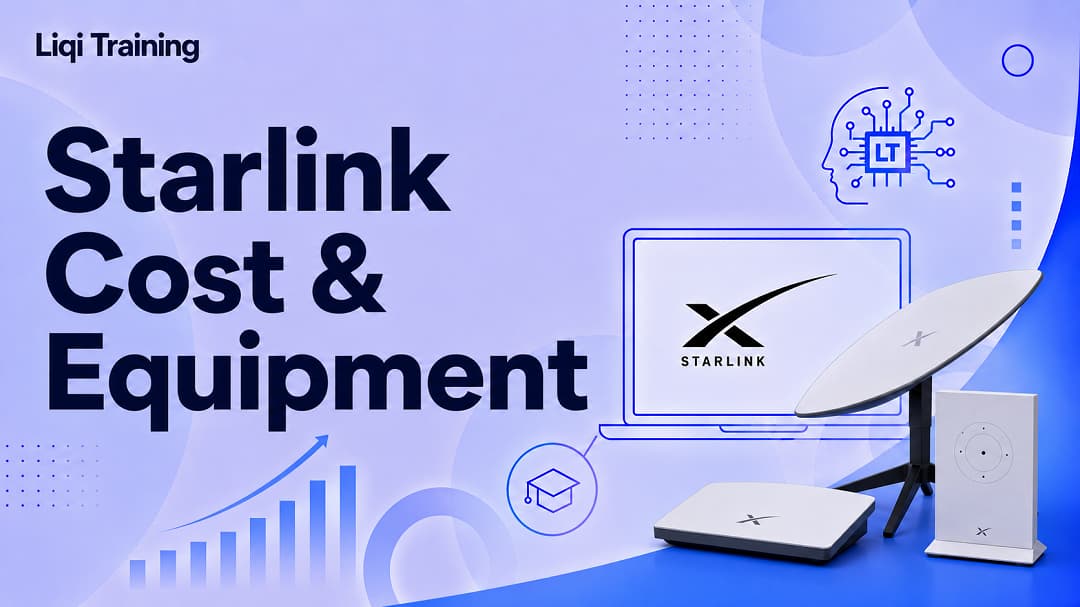
Starlink Equipment Explained
Every Starlink connection begins with specialized hardware.
Starlink Dish
The dish automatically aligns itself after installation and continuously tracks satellites moving overhead.
Unlike traditional satellite television dishes, users generally do not need to manually adjust its position.
Wi-Fi Router
The included router distributes internet throughout your home or office.
Larger properties may require additional networking equipment to improve indoor coverage.
Mounting Options
Depending on your property, you may install the dish on:
- Roofs
- Poles
- Exterior walls
- Ground mounts
- Specialized mounting systems
Choosing the correct mounting location helps minimize signal obstructions.
Installing Starlink
Most residential customers complete installation without hiring a technician.
Step 1: Find a Clear Location
Use the Starlink app to identify an area with minimal sky obstruction.
Step 2: Assemble the Hardware
Connect the dish, router, power supply, and cables included in the kit.
Step 3: Mount the Dish
Secure the equipment according to the installation instructions.
Step 4: Connect to Wi-Fi
After powering on, the router creates a wireless network for your devices.
Step 5: Complete Activation
Follow the setup instructions in the Starlink app to finalize your connection.
Starlink Pricing: What Costs Should You Consider?
The total cost of Starlink consists of more than the monthly subscription.
Hardware Purchase
Customers typically purchase the Starlink equipment before activating service.
The exact hardware price depends on the selected plan and region.
Monthly Service
Subscription fees vary based on:
- Residential service
- Roaming plans
- Business service
- Maritime connectivity
- Aviation services
For a complete pricing breakdown, see Starlink Cost: Equipment Prices, Monthly Plans, Hidden Fees, and Value Explained.
Optional Accessories
Depending on your installation, you may also purchase:
- Roof mounts
- Pole mounts
- Ethernet adapters
- Mesh Wi-Fi systems
- Longer cables
Advantages of Starlink Internet
Broadband in Previously Unserved Areas
Many customers receive broadband internet for the first time after installing Starlink.
Lower Latency Than Traditional Satellite Services
Low Earth orbit satellites significantly improve responsiveness for applications such as video calls and online gaming.
Flexible Installation
Most users can install the equipment without waiting for technicians or local infrastructure upgrades.
Mobility Options
Travelers can remain connected while moving between supported locations under eligible plans.
Growing Network Capacity
Regular satellite launches continue increasing coverage and network resilience.
Limitations to Consider
Every internet technology has trade-offs.
Higher Initial Investment
The upfront hardware purchase can be more expensive than activating traditional broadband.
Weather Sensitivity
Extreme weather may temporarily affect service quality.
Clear Sky Required
Dense trees or nearby buildings may interfere with satellite communication.
Performance May Fluctuate
Like many shared broadband services, speeds can vary during busy periods.
Who Benefits Most from Starlink?
Starlink serves many different customer groups.
Rural Homeowners
Communities without fiber or cable often experience the greatest improvement.
Remote Employees
Professionals working from isolated locations can participate in meetings, cloud collaboration, and online workflows.
Small Businesses
Reliable internet supports payment systems, communications, inventory management, and customer service.
Travelers
RV owners and digital nomads can maintain internet access while exploring supported regions.
Emergency Response Teams
Portable connectivity helps restore communications during natural disasters and infrastructure outages.
Who Should Consider Other Options?
Starlink may not be the ideal solution if:
- Fiber internet is available at a similar or lower price.
- Cable internet already provides reliable high-speed service.
- Your property has significant obstructions that cannot be avoided.
- You require specialized enterprise networking with guaranteed service-level agreements.
Frequently Asked Questions
Does Starlink require a phone line?
No. Starlink connects directly to satellites and does not rely on telephone infrastructure.
Can I stream movies on Starlink?
Yes. The service supports HD and 4K streaming, depending on network conditions.
Is Starlink suitable for remote work?
Yes. Many remote workers use Starlink for video conferencing, cloud applications, and daily business activities.
Does Starlink work during storms?
Light weather usually causes minimal disruption, but severe weather may temporarily affect signal quality.
Can I move my Starlink equipment?
Yes. Some Starlink plans are designed specifically for portable use, while others are intended for fixed installations.
Conclusion
Starlink Internet has transformed satellite broadband by combining thousands of low Earth orbit satellites with user-friendly hardware to deliver internet access in places where traditional infrastructure is limited or unavailable. Its ability to support streaming, remote work, online learning, gaming, and business operations has made it a practical solution for millions of users who previously had few reliable connectivity options.
However, the service is not the best fit for every household. The upfront equipment purchase, monthly subscription costs, and the need for a clear view of the sky are important factors to weigh against available alternatives. In locations where fiber or high-quality cable internet is readily available, those services may still offer better long-term value and more consistent performance.
For rural residents, remote businesses, travelers, and anyone beyond the reach of conventional broadband networks, Starlink remains one of the most innovative internet solutions currently available, with continued satellite launches expected to expand both coverage and network capacity in the years ahead.
ADVERTISEMENT