

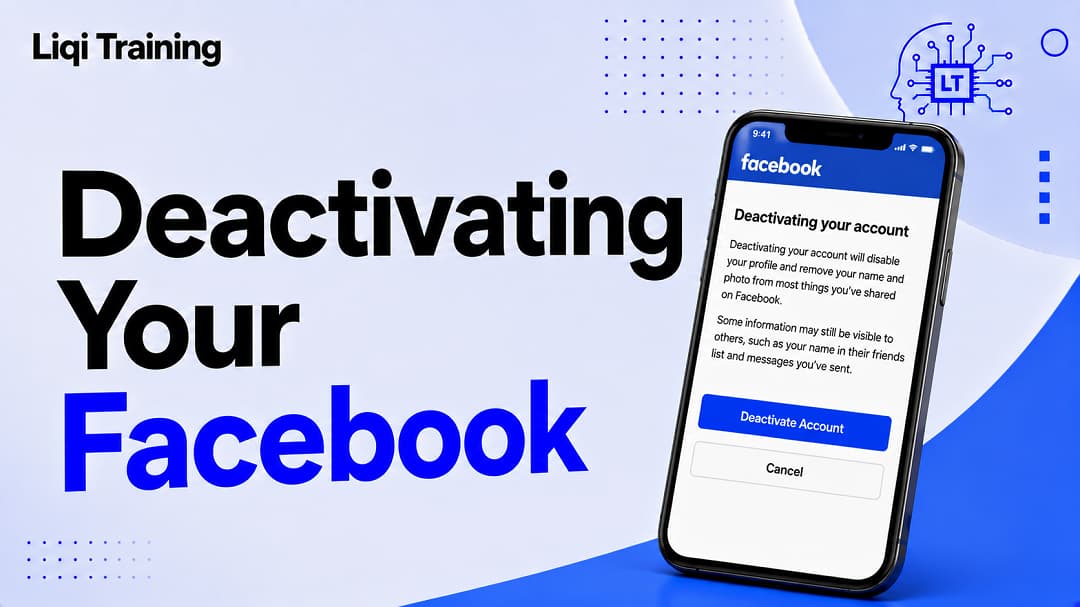
To Deactivate Facebook is temporary and can be reversed whenever you log back in. Your profile becomes hidden, but your photos, posts, and account information aren’t deleted. Messenger can remain active after deactivation if you choose to keep using it. Pages that only you manage may also become unavailable unless another person has full control. If your goal is to permanently remove your account and data, deleting Facebook, not deactivation, is the appropriate option.
Taking a break from Facebook doesn’t have to mean losing access to your conversations, memories, or important contacts. If you’re feeling overwhelmed by social media, concerned about privacy, or simply want time away from the platform, temporarily deactivating your account is often a better option than permanently deleting it.
Unlike deleting your account, Deactivating Facebook hides your profile from other users while preserving your photos, posts, friends list, and account information. You can also continue using Messenger if you choose to keep it active, allowing you to stay in touch without browsing your Facebook feed. Meta confirms that deactivation is reversible, and you can reactivate your account at any time by signing in again. This guide explains exactly how Facebook deactivation works, what happens to your data, how to deactivate your account on Android, iPhone, and desktop, and what you should know before making your decision.
Deactivating vs. Deleting Facebook
Before proceeding, it’s important to understand the difference between Facebook’s two account management options.
Deactivation is designed for users who want a temporary break. Your profile is hidden from most people, but your account remains intact. Photos, posts, and friend connections are preserved, making it easy to return later.
Deletion, on the other hand, is intended for users who want to permanently leave Facebook. After the deletion grace period ends, your profile, uploaded content, and account information are permanently removed and cannot be recovered. Messenger access is also lost.
If you’re still deciding, this guide on How to Delete a Facebook Account Permanently or Temporarily explains the long-term implications of permanent deletion and when it’s the better choice.
What Happens When You Deactivate Facebook?
Many users worry that deactivating Facebook will erase their memories or disconnect them from friends. In reality, Facebook preserves most of your account while making your public profile unavailable.
After deactivation:
- Your Facebook profile is hidden from other users.
- Your photos, videos, and posts remain stored in your account.
- Messages you’ve already sent remain visible in recipients’ conversations.
- Friends may still see your name in certain places, such as their friends list.
- Group administrators may continue to see your name on previous posts and comments.
- You can return simply by logging in again.
Because your data stays on Facebook’s servers, deactivation is best viewed as placing your account on pause rather than removing it.
Can You Keep Messenger After Deactivating Facebook?
Yes. This is one of the biggest advantages of deactivation.
If you choose to keep Messenger active, or if you’re already signed in to Messenger when you deactivate your Facebook account, you can continue sending and receiving messages. Your Facebook friends can still contact you through Messenger, and using Messenger by itself does not reactivate your Facebook account.
This option is especially useful if you rely on Messenger for family conversations, work communication, or community groups but want a break from Facebook’s News Feed and notifications.
If privacy is your main concern, consider reading How to Lock Your Facebook Profile and Make Your Personal Information More Private, which explains additional ways to reduce your profile’s visibility without leaving the platform.
Before You Deactivate Your Facebook Account
Taking a few minutes to prepare can help you avoid unexpected problems later.
Consider these recommendations before proceeding:
- Download a copy of your Facebook information if you want an offline backup of your photos, posts, and videos.
- Make sure you still have access to the email address or mobile number associated with your account.
- Review any apps or websites that use Facebook Login, as you may temporarily lose access while your account is deactivated.
If you’re unable to sign in before deactivating, you may first need to recover access. This article How to Change Your Facebook Password on iPhone, Android, and Desktop (Even If You Forgot It) walks through Facebook’s recovery process.
How to Deactivate Facebook on Android
If your goal is permanent account removal instead, read How to Delete a Facebook Account Permanently or Temporarily to understand the differences before making a final decision.
If privacy is your primary concern rather than taking a break, How to Lock Your Facebook Profile and Make Your Personal Information More Private provides practical ways to limit what others can see without deactivating your account.
Finally, if Facebook appears unavailable while you’re trying to deactivate or reactivate your account, it’s worth checking Is Facebook Down Right Now? How to Check Outages, Server Status, and Fix Login Issues before assuming there’s a problem with your account.
Will Your Friends Know You Deactivated Facebook?
One of the most common concerns is whether Facebook sends a notification when you deactivate your account.
The answer is no. Facebook does not notify your friends that you’ve deactivated your account. However, they may notice your absence because your profile is no longer visible in most places across the platform.
They may observe that:
- Your profile no longer appears in search results.
- They cannot visit your profile page.
- Your timeline is unavailable.
- Your profile won’t appear in most public interactions.
Despite this, messages you’ve previously sent remain in Messenger conversations, and your name may still appear in certain contexts, such as group discussions or friends lists.
Can You Schedule Facebook Reactivation?
Unlike some subscription services, Facebook doesn’t allow you to schedule automatic reactivation.
Your account stays deactivated until you decide to return by signing in with your email address or phone number and password. Once you successfully log in, Facebook restores your profile, friends, photos, Pages, and other account information.
Common Problems When Deactivating Facebook
Although the process is usually straightforward, some users encounter issues that prevent them from completing deactivation.
Facebook Doesn’t Show the Deactivation Option
This usually happens because:
- You’re looking in an outdated settings menu.
- Your account settings have moved to Accounts Center.
- You’re managing multiple Meta profiles.
Ensure you’re navigating to:
Accounts Center → Personal details → Account ownership and control → Deactivation or deletion.
Messenger Remains Active
Some users are surprised that Messenger continues working after Facebook is deactivated.
This is expected behavior if you choose to keep Messenger active or remain signed in to Messenger during deactivation. You can continue chatting without reactivating your Facebook profile. If you later decide to deactivate Messenger as well, Meta provides a separate process within the Messenger app.
I Can’t Log Back Into Facebook
If you experience problems reactivating your account:
- Verify your email address or mobile number.
- Reset your password if necessary.
- Check whether two-factor authentication is preventing access.
- Make sure you still have access to your recovery email or phone number.
If you’ve forgotten your credentials, follow the recovery steps in How to Change Your Facebook Password on iPhone, Android, and Desktop (Even If You Forgot It) before attempting to reactivate your account.
Frequently Asked Questions
Is deactivating Facebook the same as deleting it?
No. Deactivation temporarily hides your account, while deletion permanently removes your account and, after the deletion period ends, your photos, posts, and other data. Deleted accounts can’t be recovered after the applicable grace period expires.
Can I still use Messenger after deactivating Facebook?
Yes. If you choose to keep Messenger active, you can continue sending and receiving messages without reactivating your Facebook profile.
Will I lose my photos if I deactivate Facebook?
No. Your photos, videos, posts, and other account information remain stored while your account is deactivated and become available again when you reactivate it.
What happens to my Facebook friends?
Your friends aren’t deleted. When you reactivate your account, your friends list is restored along with your profile and other account information.
Can people still tag me after I deactivate my account?
Because your profile is hidden during deactivation, people generally can’t access it in the normal way. However, some information associated with previous interactions, such as messages or certain group content, may remain visible.
Can I deactivate Facebook more than once?
Yes. Facebook allows you to deactivate and later reactivate your account whenever needed, provided your account remains in good standing and you can still sign in.
Conclusion
Choosing to Deactivate Facebook is a practical option if you want a temporary break without permanently losing your photos, conversations, friends, or account history. Unlike deleting your account, deactivation preserves your information and allows you to return simply by signing back in whenever you’re ready.
Before deactivating your account, make sure you understand how it affects Messenger, Facebook Pages you manage, and apps that rely on Facebook Login. Taking a few minutes to review your recovery email, phone number, and connected apps can help ensure a smooth experience if you decide to come back later.
If you’re continuing to manage your Facebook account, you may also find these guides useful:
- How to Delete a Facebook Account Permanently or Temporarily – Learn when permanent deletion is the better choice.
- How to Change Your Facebook Password on iPhone, Android, and Desktop (Even If You Forgot It) – Secure your account before taking a break.
- How to Change Your Name on Facebook: Rules, Waiting Periods, and Common Approval Problems – Update your profile information correctly.
- How to Lock Your Facebook Profile and Make Your Personal Information More Private – Strengthen your privacy without leaving Facebook.
- Is Facebook Down Right Now? How to Check Outages, Server Status, and Fix Login Issues – Diagnose login or access issues before assuming your account has a problem.
ADVERTISEMENT